
Platform
Six areas, one operation.
420+ organizes the portal into six areas that can access shared data on batches, materials, rooms, equipment, tasks and records. Operations and Work represent the operational process chain, Administration maintains instructions and rules, Organization maintains master data, Finance records receipts and payments, and Home shows each signed-in user what is next for them based on their role. Select an area to see its steps, the records linked to them and the contributing areas.
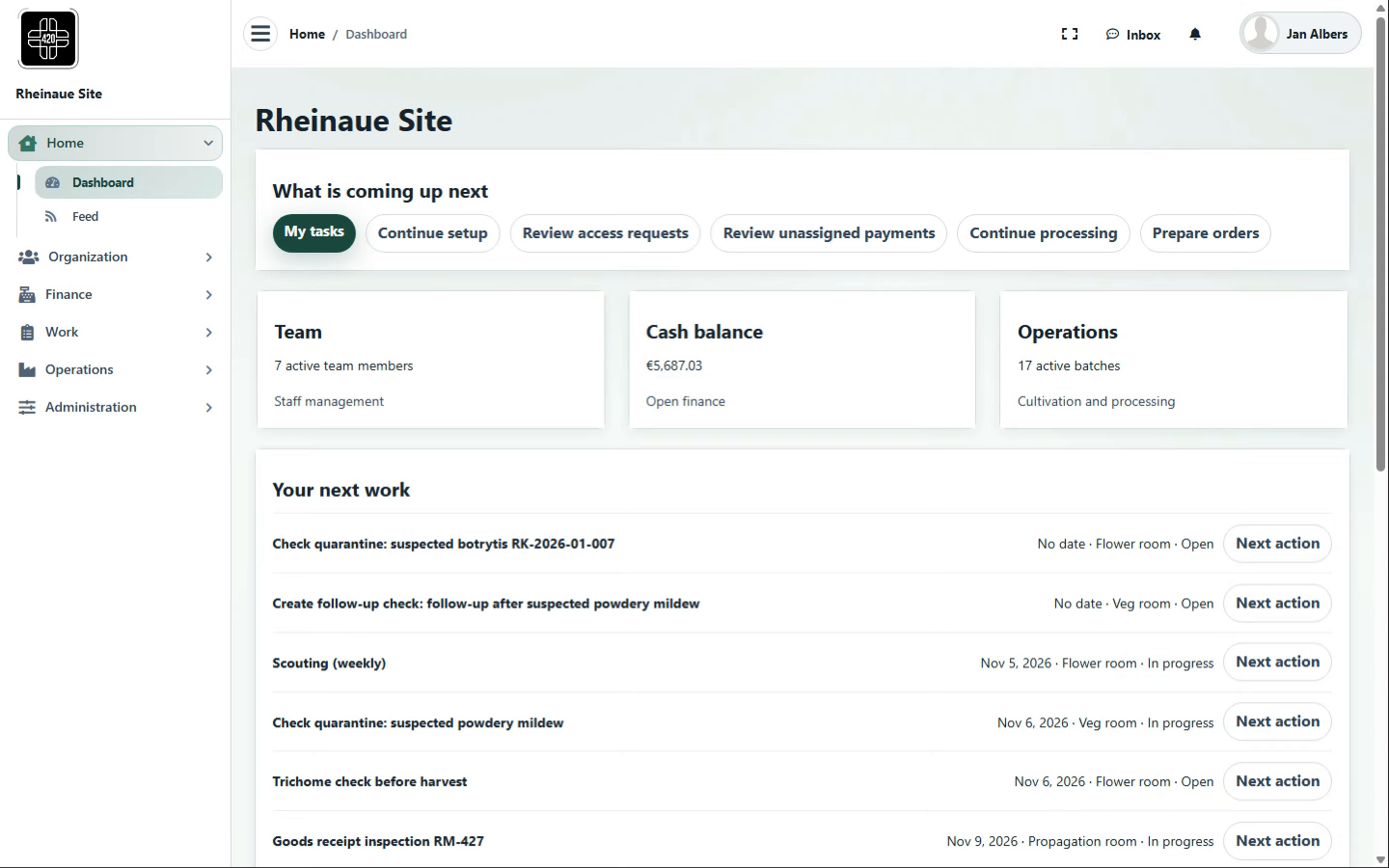
Home
Dashboard · Role view · Feed · Inbox
Home brings together what is next for the signed-in user: tasks, key figures, notes and messages from the areas they are authorized to access.
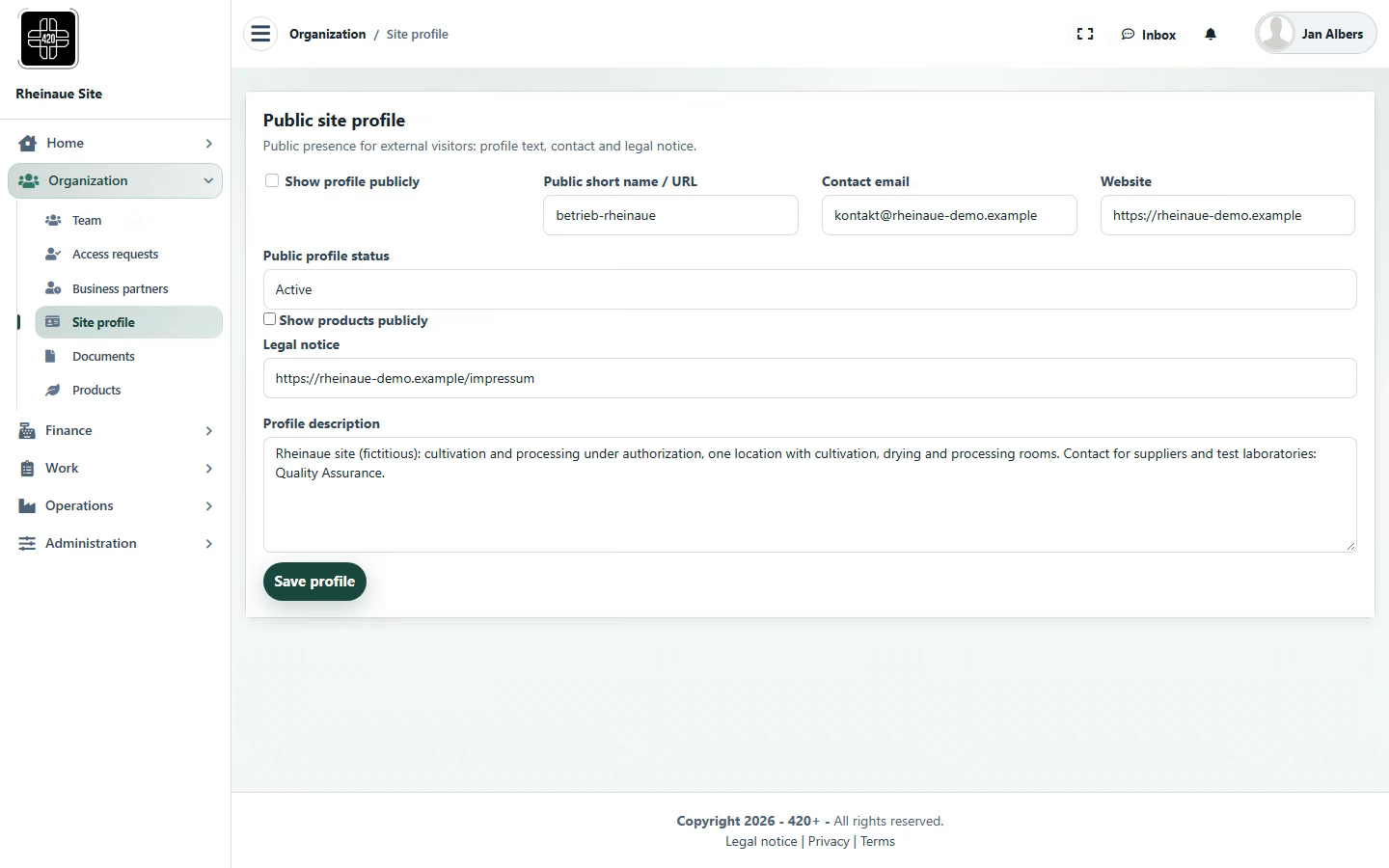
Organization
Site profile · Team · Business partners · Documents · Products
Organization manages the master data used by the other areas: site, people and roles, business partners, documents and products.
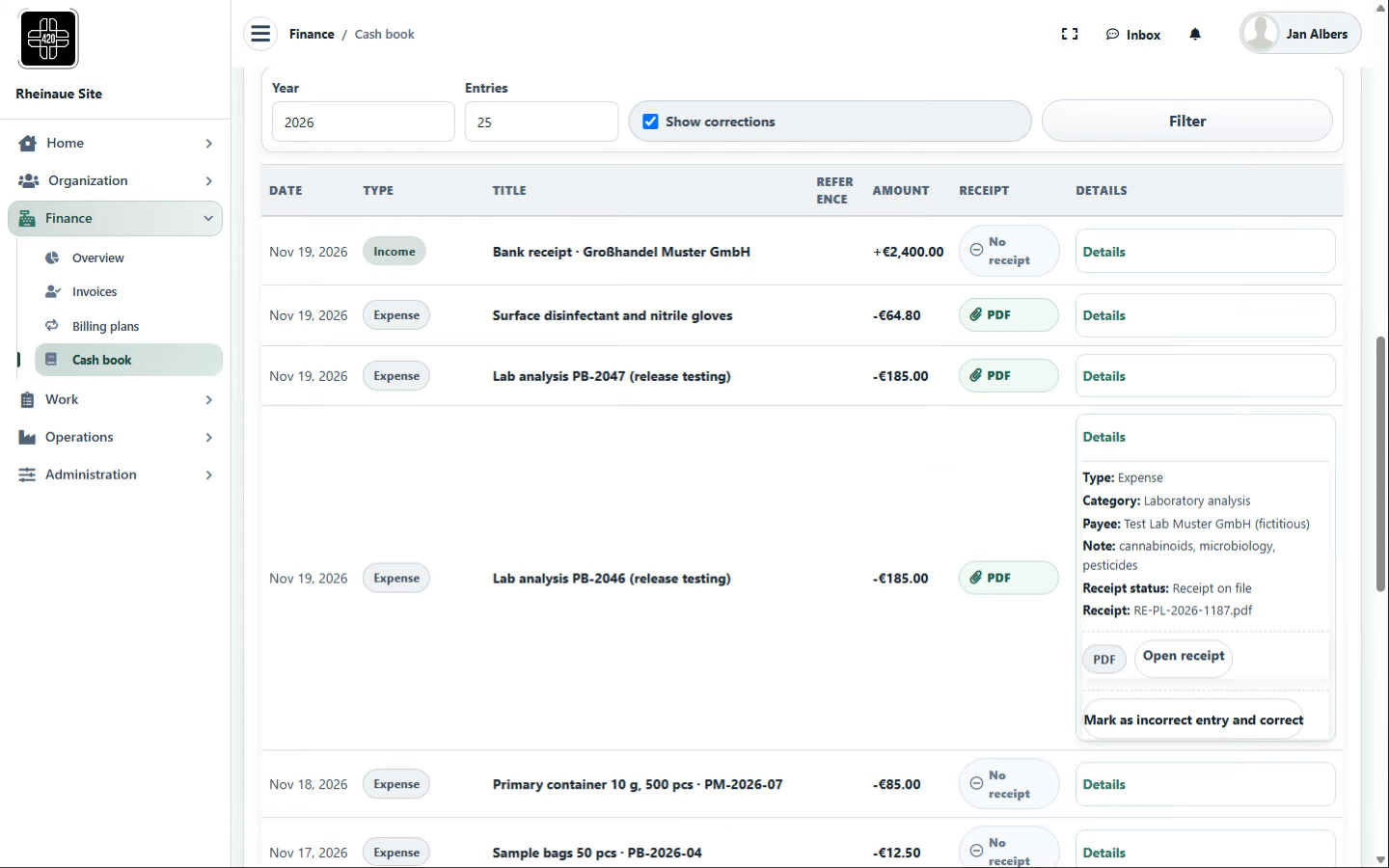
Finance
Cash book · Bank reconciliation · Account balance · Invoices · Overview
Finance links receipts, bank transactions, portal account balances and invoices to operations and, where applicable, to the individual batch.
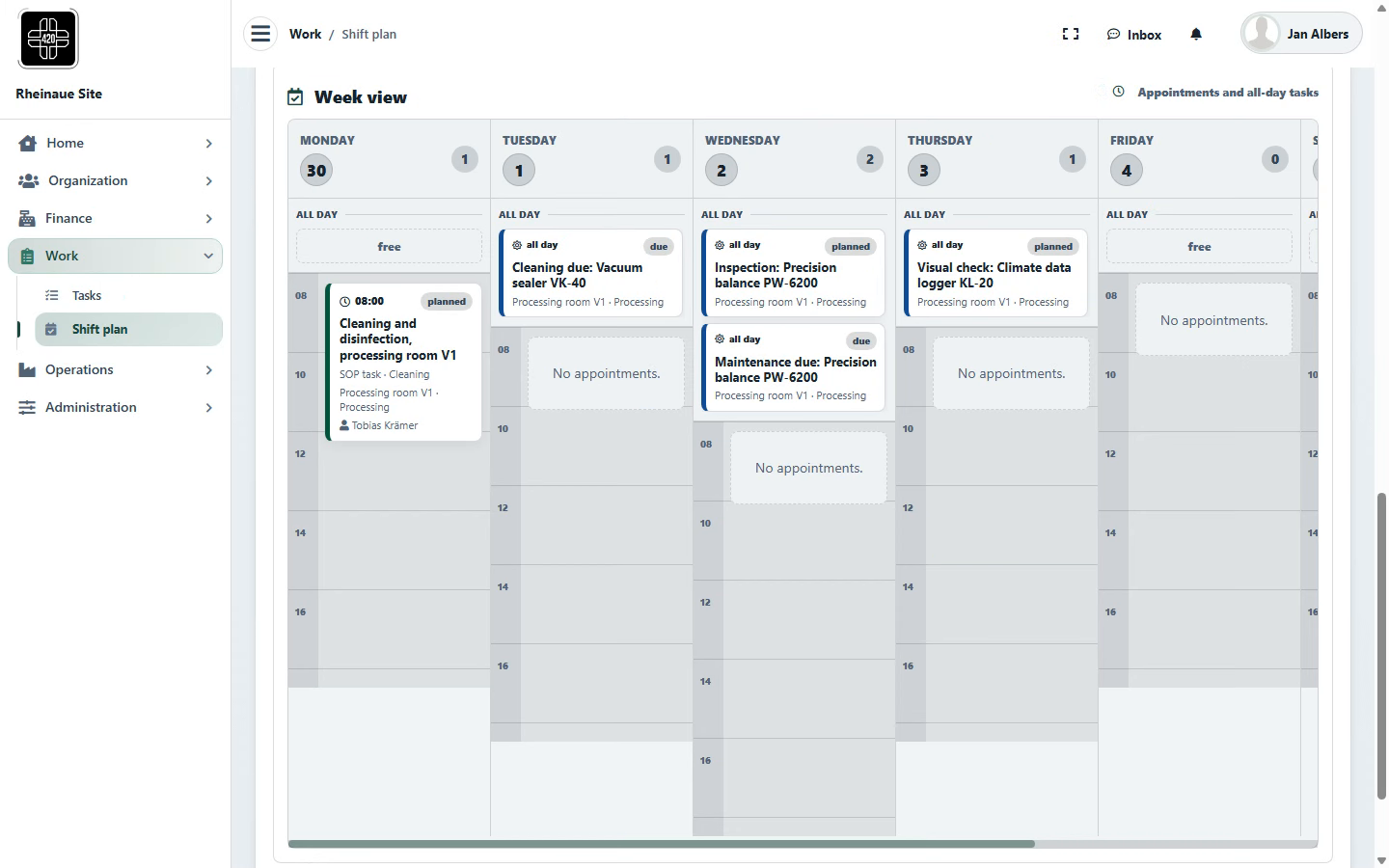
Work
Plan · Execute · Review · Record
A task can move through four steps: planning, execution, review and record.
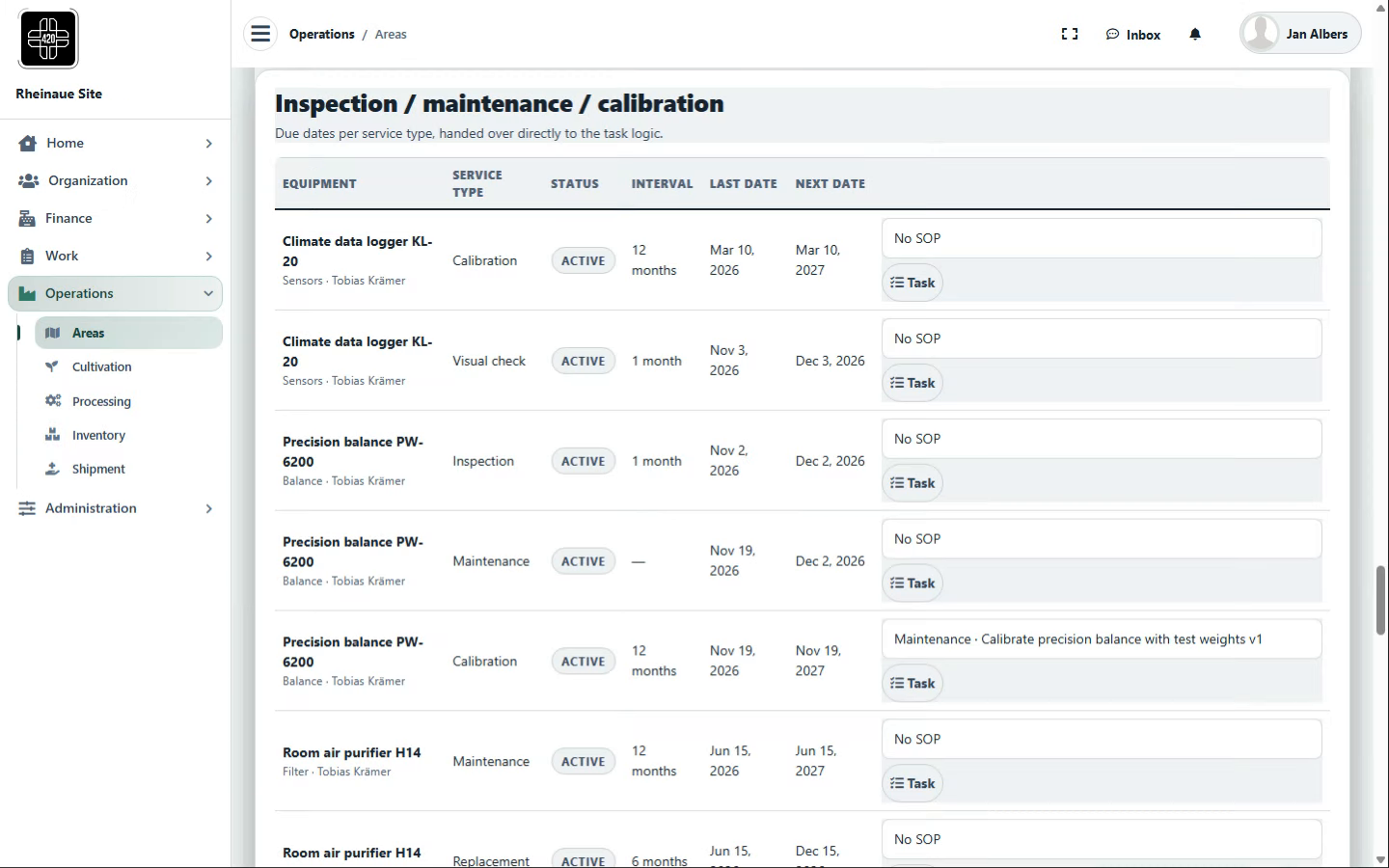
Operations
Areas · Cultivation · Processing · Inventory · Shipment
Operations links rooms, batches, lots, stock and orders where provided for the relevant process; documented origin details, quantities and statuses maintained in the portal are assigned to the relevant stage.
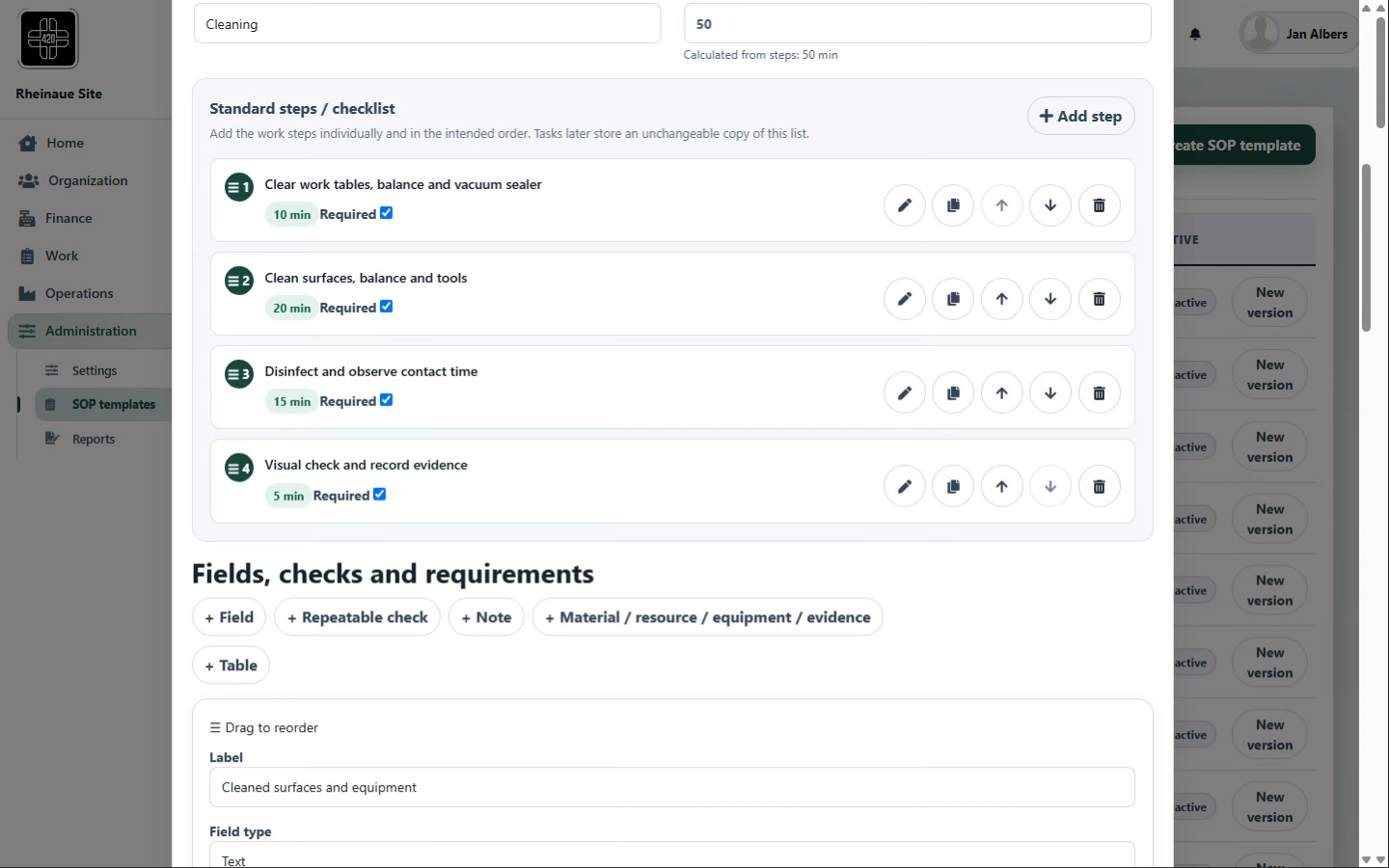
Administration
Instructions · Rules · Events · Log · Report
Administration manages the instructions and rules that govern the work and documents exceptions and changes.
Workflows, roles, review requirements and links are configurable per site and process; regulatory suitability depends on use, configuration, validation, site procedures and assigned responsibilities at each site.
Original screenshots from the demo instance with fictional data; the screenshots are for illustration and do not represent a complete GxP process.
The screenshots show 420+ using a fictional cannabis operation as an example, with fictional process data. The workflows shown may also serve as examples for other regulated sectors. This is not advertising for cannabis or cannabis cultivation associations and does not indicate any licence, approval or regulatory recognition.